Make Your Skype™ Mobile
GSM gateway for Skype™
USER GUIDE
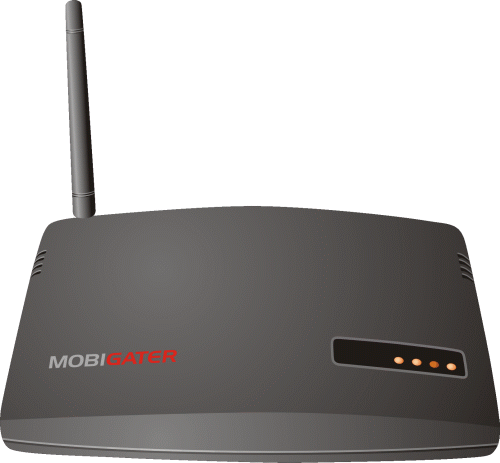
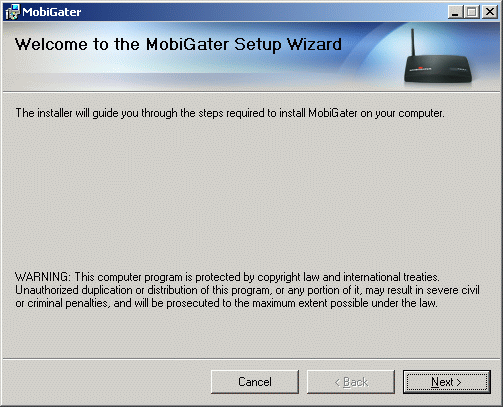
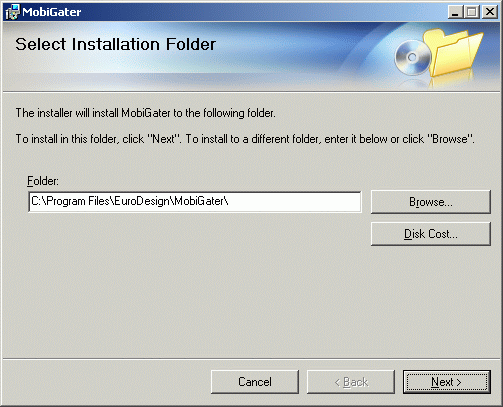
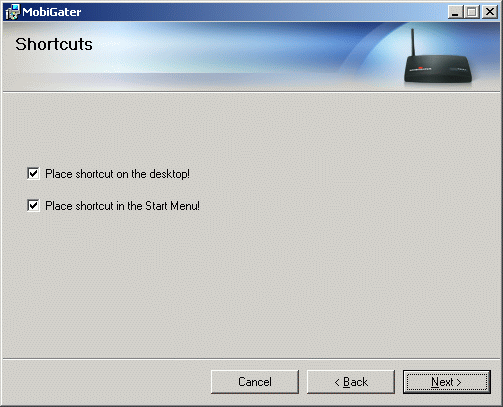
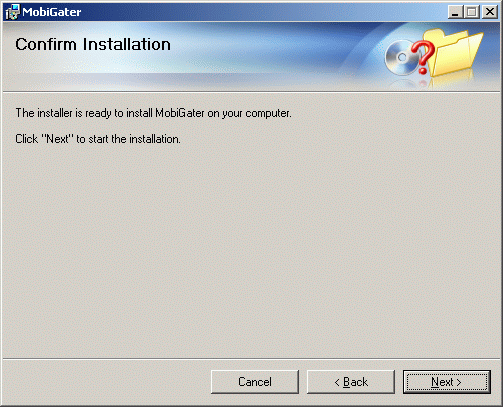
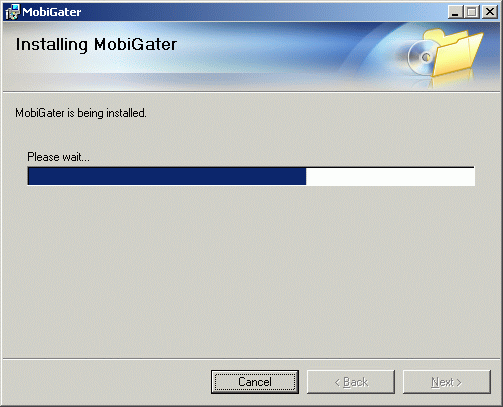
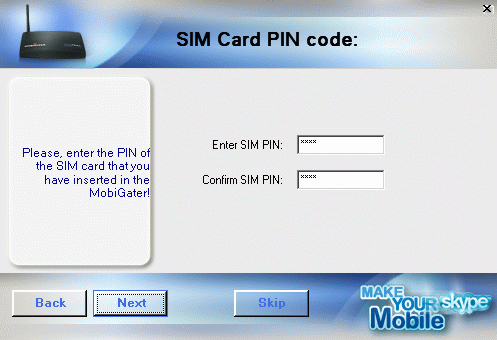
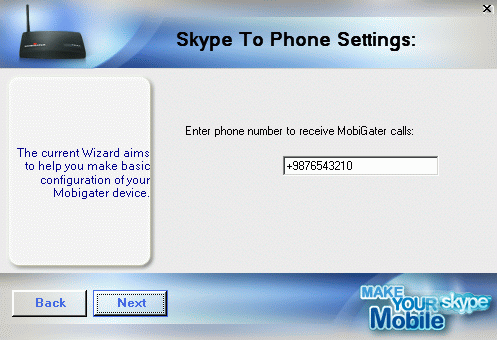
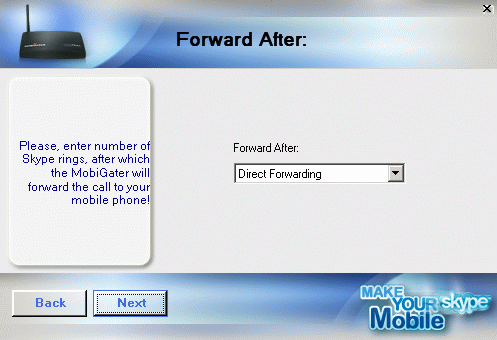
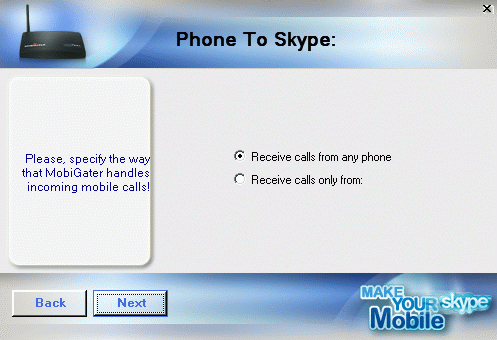
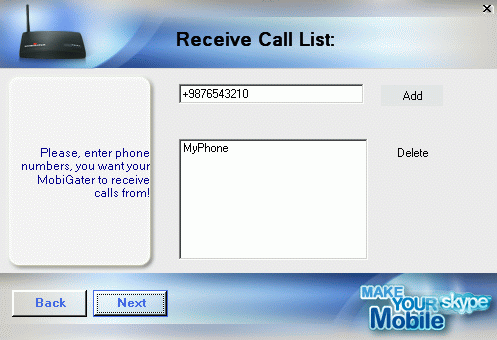
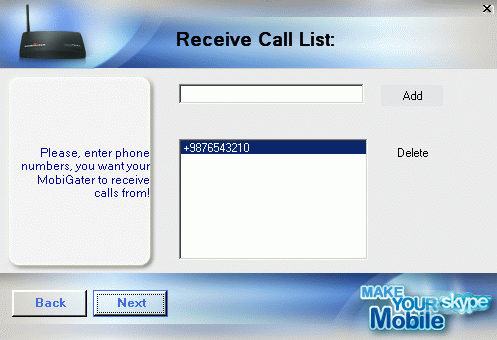
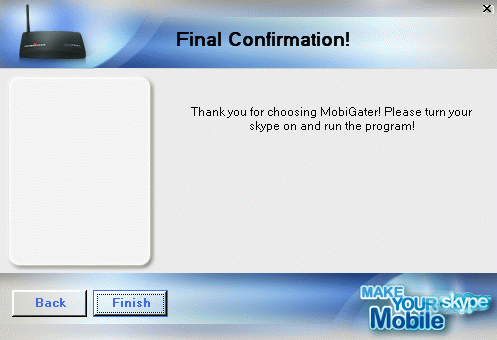
| There is a small cover on the bottom side of the MobiGater device. Move the "cover" in the direction from "  " to " " to " ". ".Move the "SIM card holder" in the direction "OPEN". Insert the SIM card. Close the SIM card holder in the direction "CLOSE". Insert the "cover" back in its initial position. |
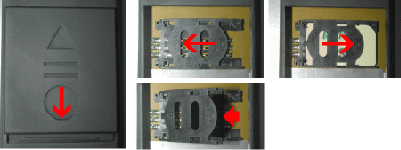 |

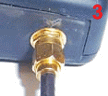
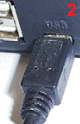
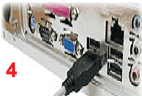
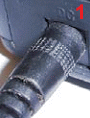
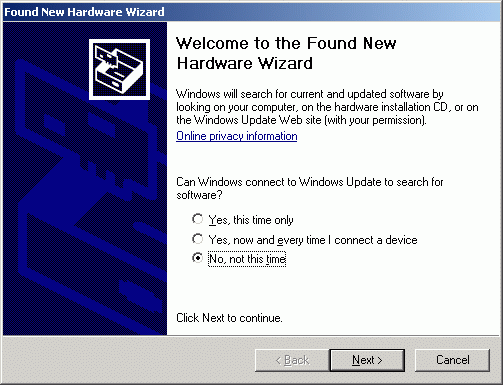
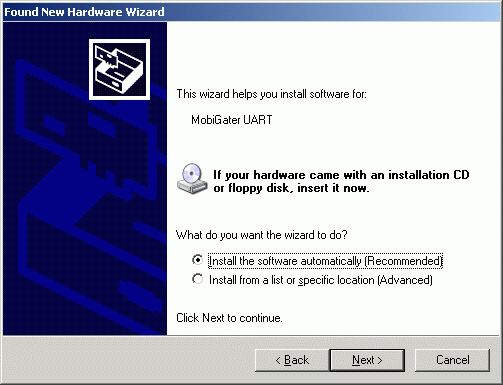
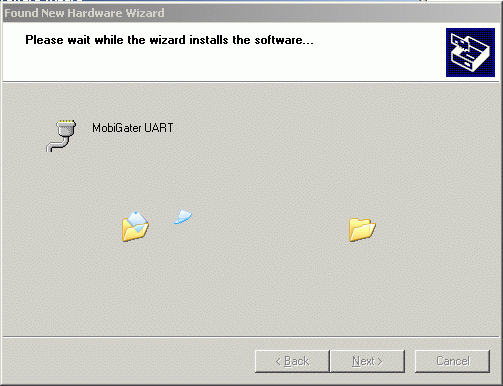
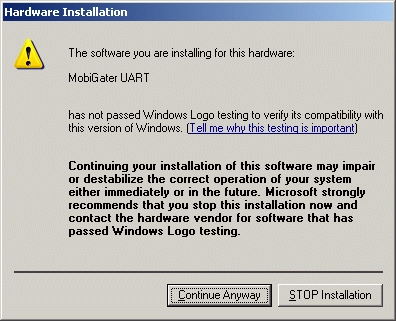
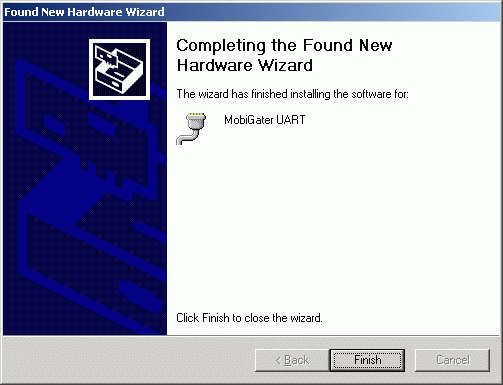
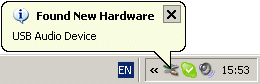
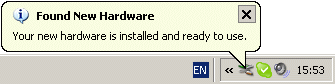


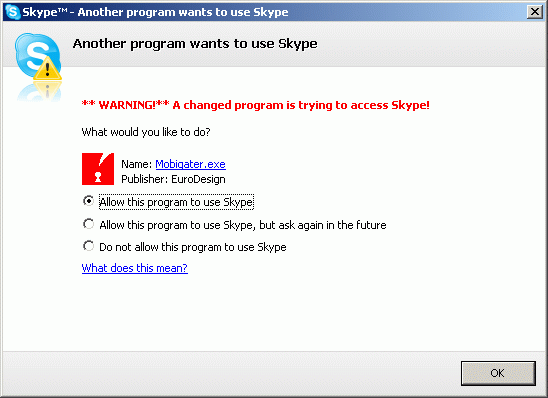
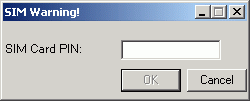
 sign. sign.
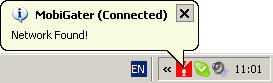
 systray icon.
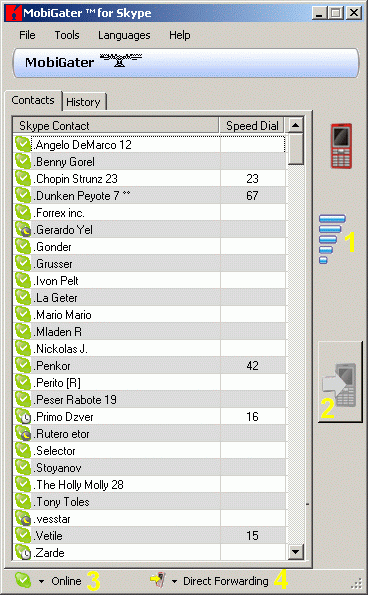
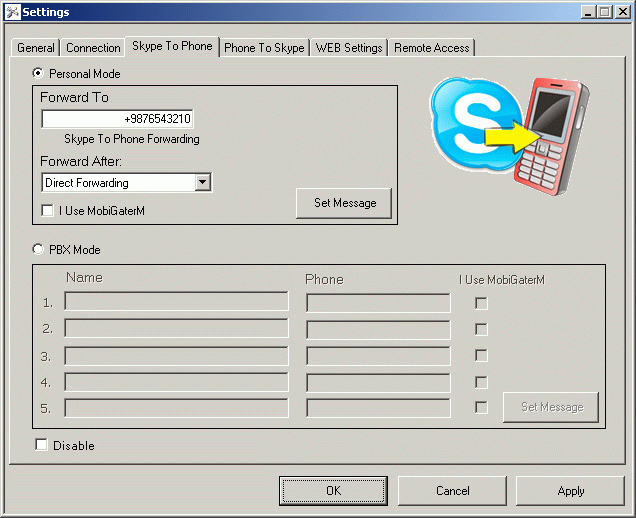
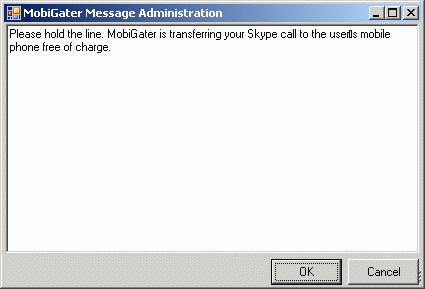
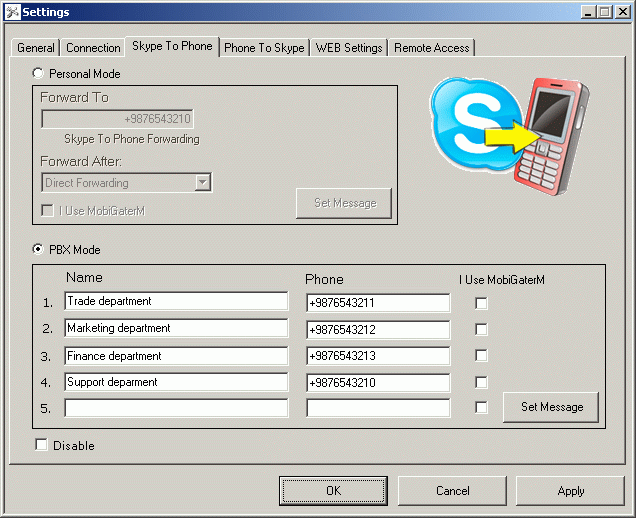
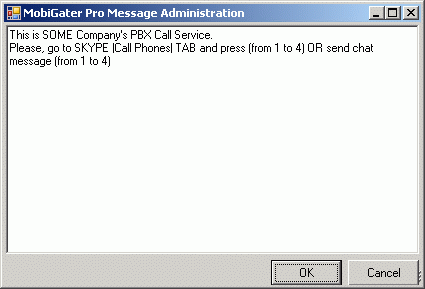
|
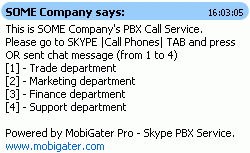
How it works: In the PBX mode, the Skype™ contact calling will be displayed on a Chat message containing numbers from 1 to 5 and a corresponding name or department assigned to each number. |
|
| Skype 3.x | Skype 4.x | ||
|Call Phones| keyboard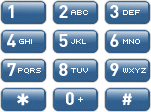
|
Dial Pad keyboard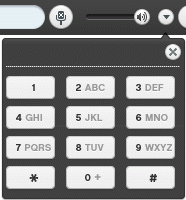 |
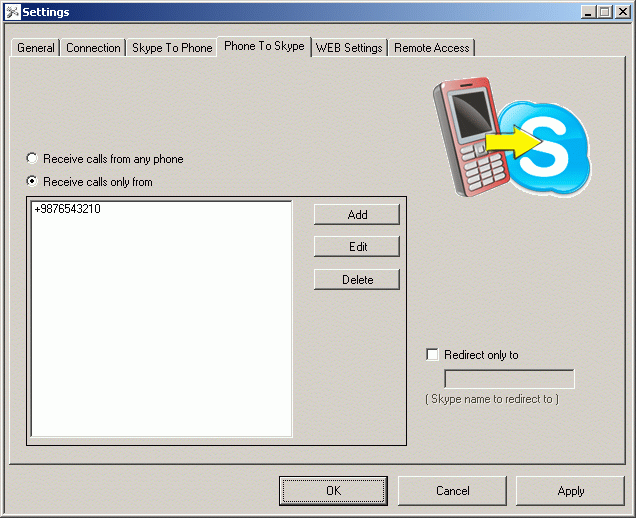
| Skype 3.x | Skype 4.x | ||
|
|Call Phones| keyboard
|
Dial Pad keyboard |